Staff Log in Help*
First Time Login for Staff (Using PC Device)
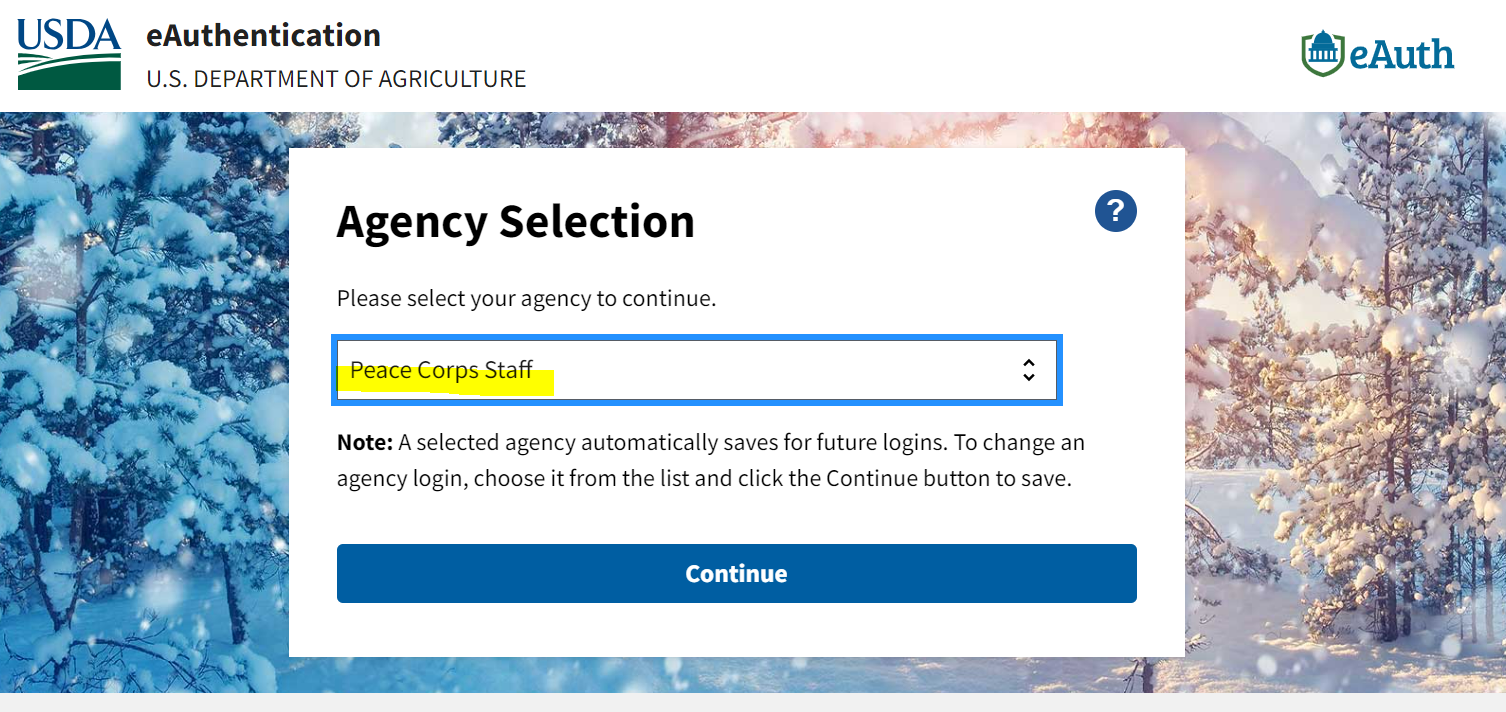
- Select ‘Log in.’ This will take you to a USDA eAuthentication page.
- Staff should select ‘Peace Corps Staff’ from the menu.
- Select ‘Submit’ to register your account.
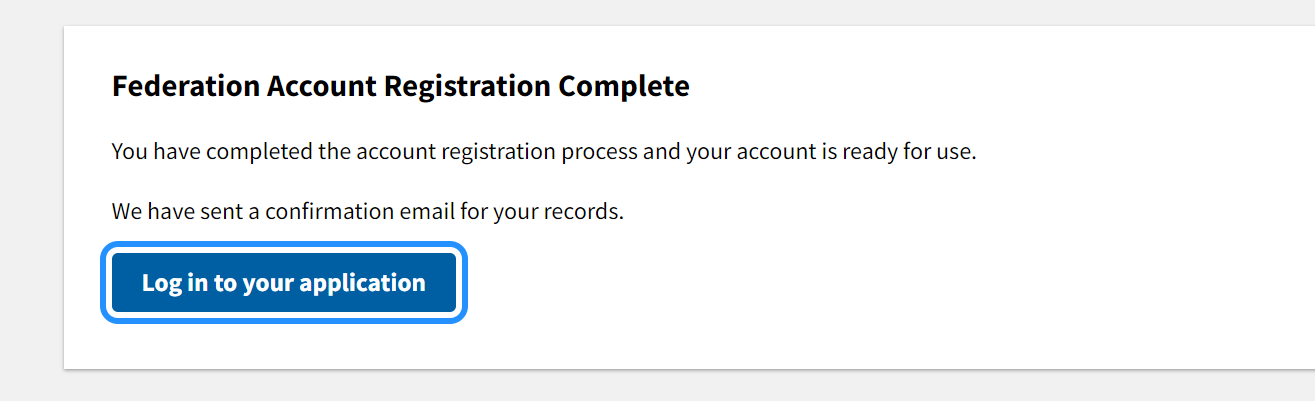
- Click 'Log in to your application' to be redirected to your LearningSpace dashboard.
Troubleshooting Issues
If you receive a 'USDA Federal Login screen (pictured below), clear your browser cache and try again.
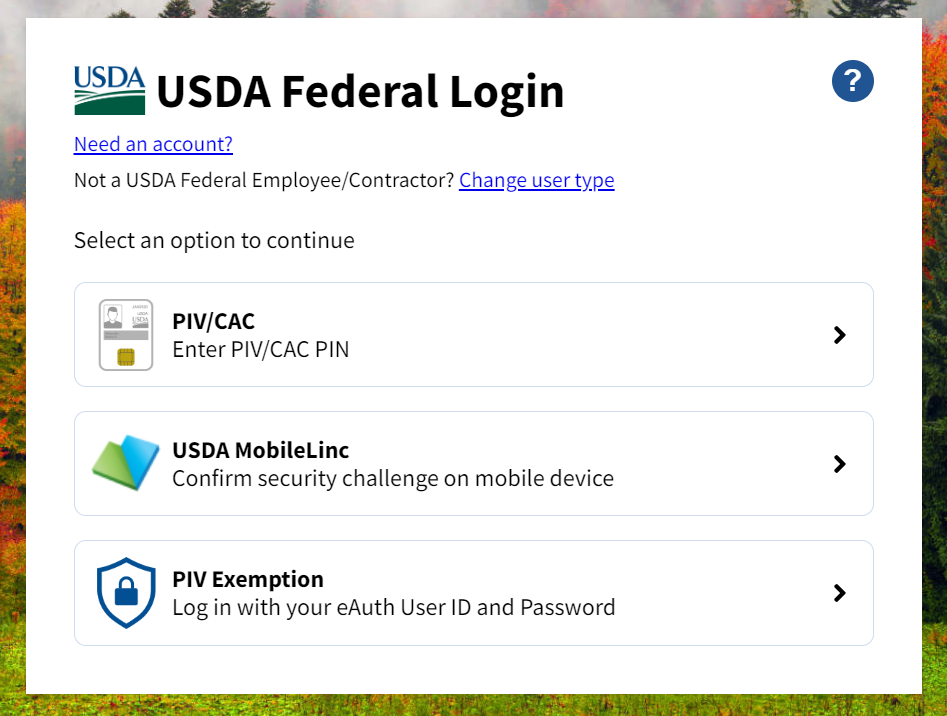
If you are still unable to login or receive an error message, please send your name, email address and a screenshot to LearningSpaceSupport@peacecorps.gov.
Login Through BYOD Mobile Devices (Browser)
You can access LearningSpace through a mobile browser. You may be prompted to download the mobile app. The mobile app is not fully functional and is not recommended for use.
- Select ‘Log in.’ This will take you to a USDA eAuthentication page.
- Make a selection from the dropdown menu. Staff should select ‘Peace Corps Staff.’
- Check the ‘Remember my agency selection’ to automatically login to LearningSpace in the future.
- Select ‘Submit.' You'll be redirected to sign in with your system Peace Corps credentials.
- If you receive an error message, please send your name, email address and a screenshot to LearningSpaceSupport@peacecorps.gov.
Last modified: Tuesday, September 22, 2026, 11:36 AM